Account Information
Your Account Information
Mobile Apps
Set Up Your Apps
Scan the QR code that matches your phone to download each app.
🔐 AuthPoint
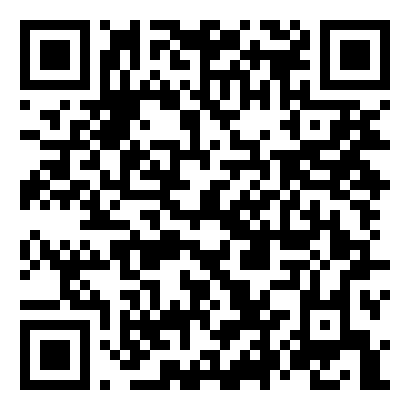 Apple App Store
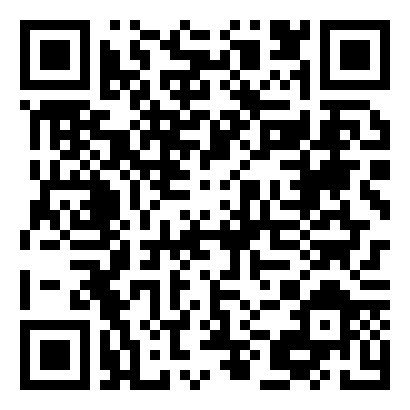 Google Play
⏱ HCMToGo
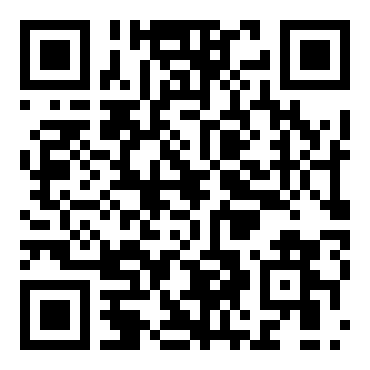 Apple App Store
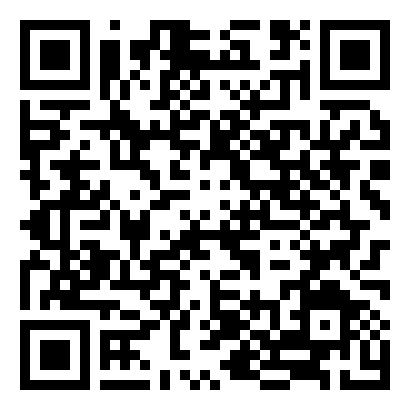 Google Play
AuthPoint Setup
🔐 Activating Your Mobile Token via the IdP Portal
- ›Log in to the IdP portal: https://authpoint.watchguard.com/altimatemedical
- ›Click the account icon and select Activate a Mobile Token.
- ›Enter your password when prompted to open the Token Activation screen.
- ›Open the AuthPoint app on your phone and scan the QR code shown on screen to activate your token.
- ›Full walkthrough: Activate a Token
HCMToGo Setup
⏱ Logging in to HCMToGo (Payroll, Time Off & Benefits)
- ›Open the HCMToGo app after installing it.
- ›When prompted, select region: North America
- ›Enter Company Short Code: KPAY1003155000
- ›Enter the Username and temporary password provided by HR to complete your first login.
- ›Use the AuthPoint app whenever you're asked for a multi-factor authentication (MFA) code to access company systems.
Support & Security
🎫 Need Help? Log an IT Ticket
Visit our Support Site to submit a ticket.
https://altimate.zendesk.com/
📞 Immediate Assistance
Ryan Haugen (Primary)
(507) 697-2798 · Ext 119
John Ingebrigtson
(507) 697-2802 · Ext 117